Windows Your computer
Windows 10 and 11
Download for Windows- Open the file you downloaded.
- If Windows says “Windows protected your PC”, click More info, then Run anyway.
- PubOpener appears in your Start menu.
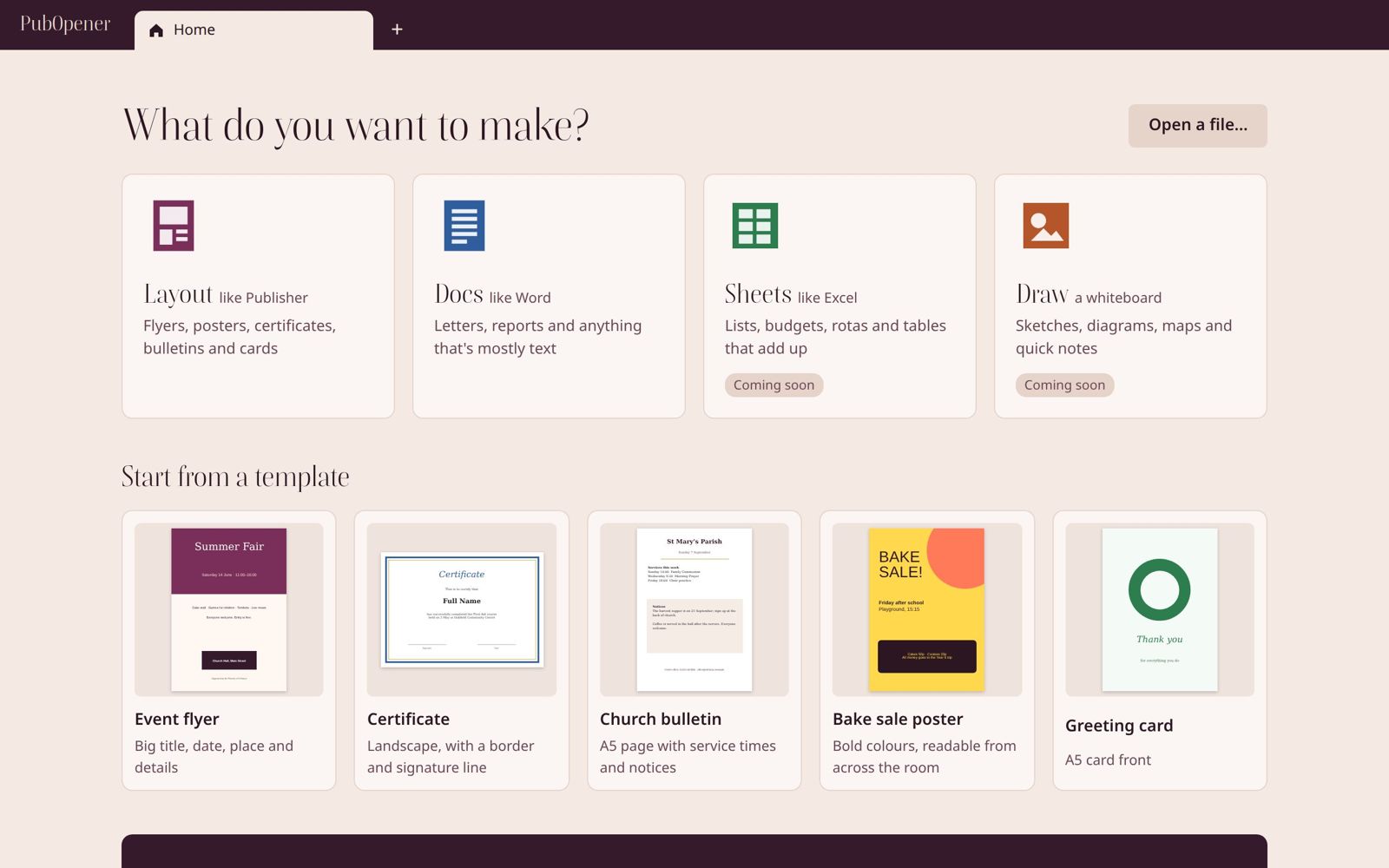
PubOpener is a free office app for your computer. Make flyers and letters, and open the .pub files Publisher left behind.
Download free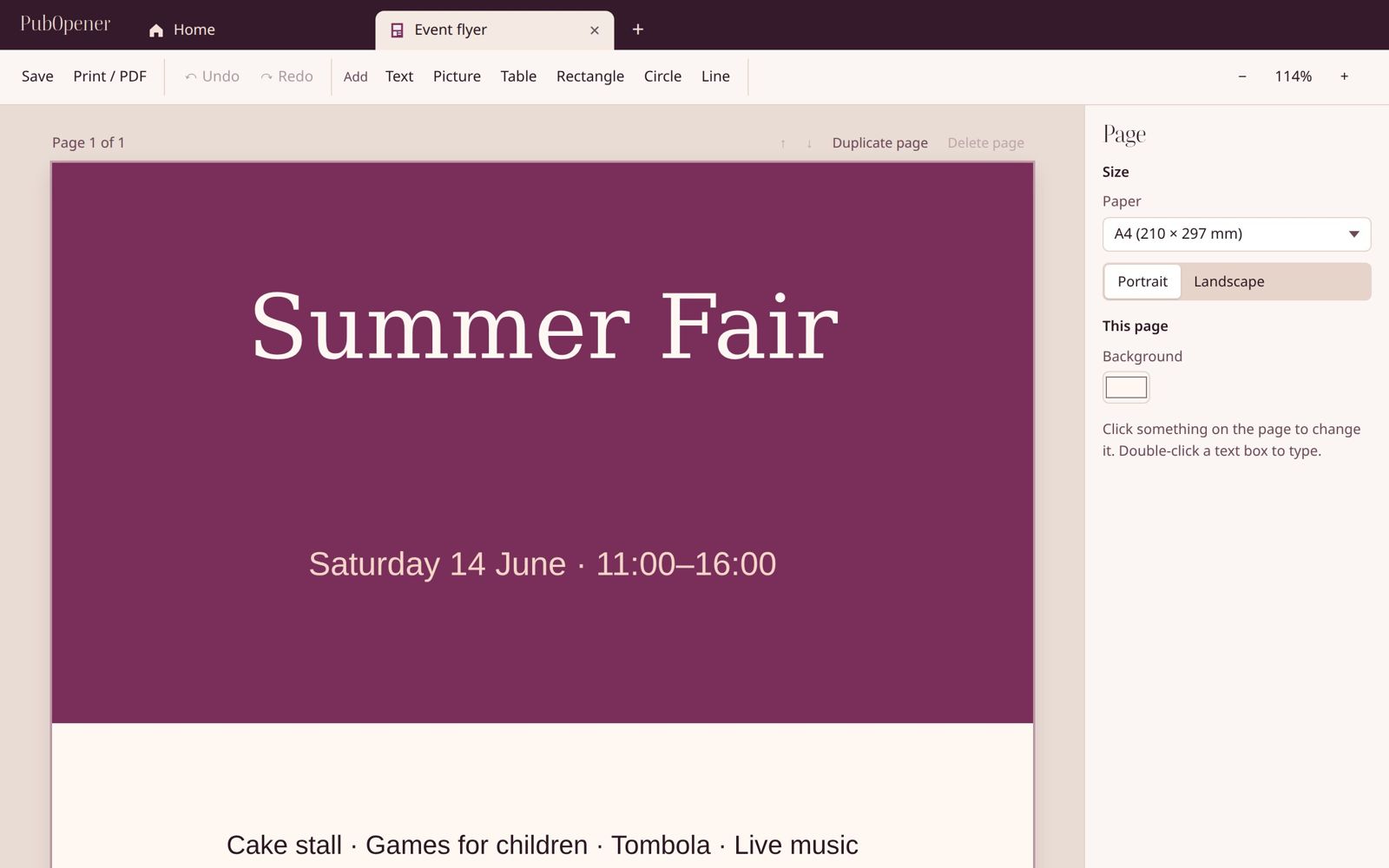
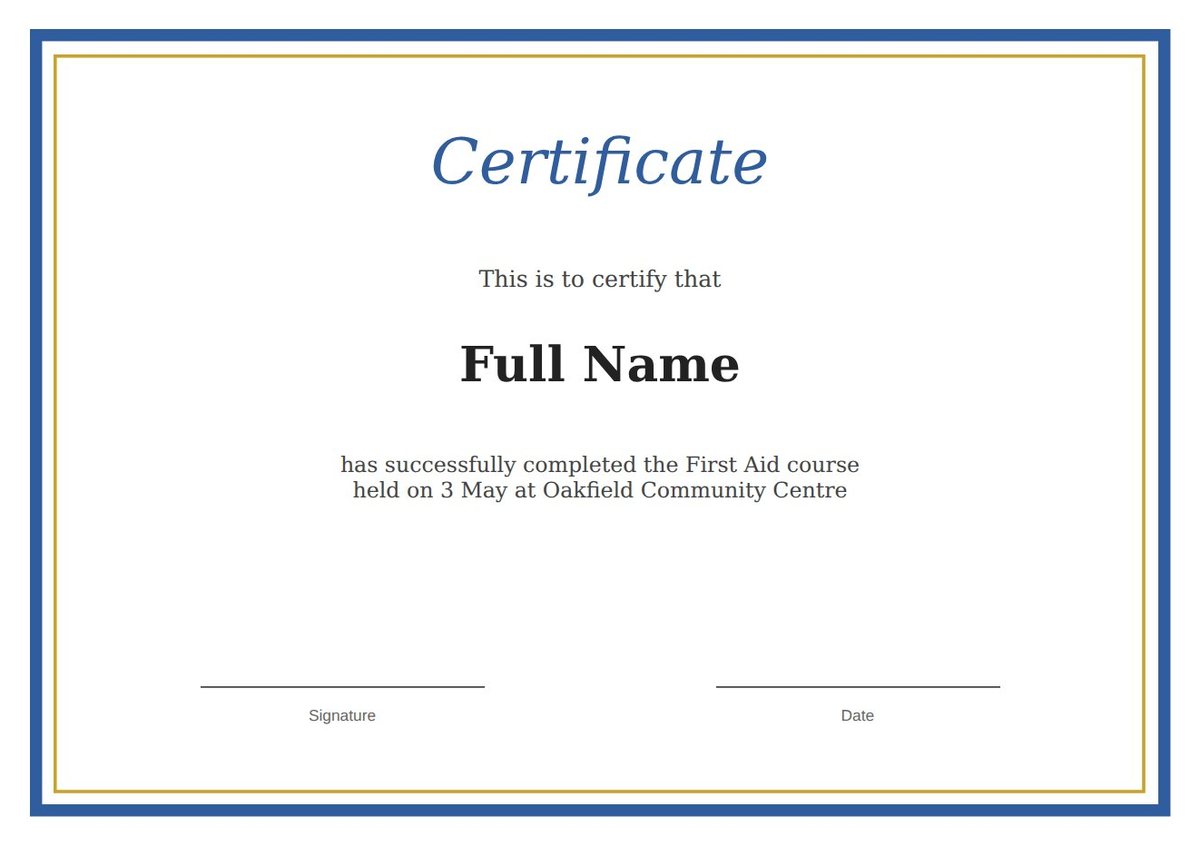
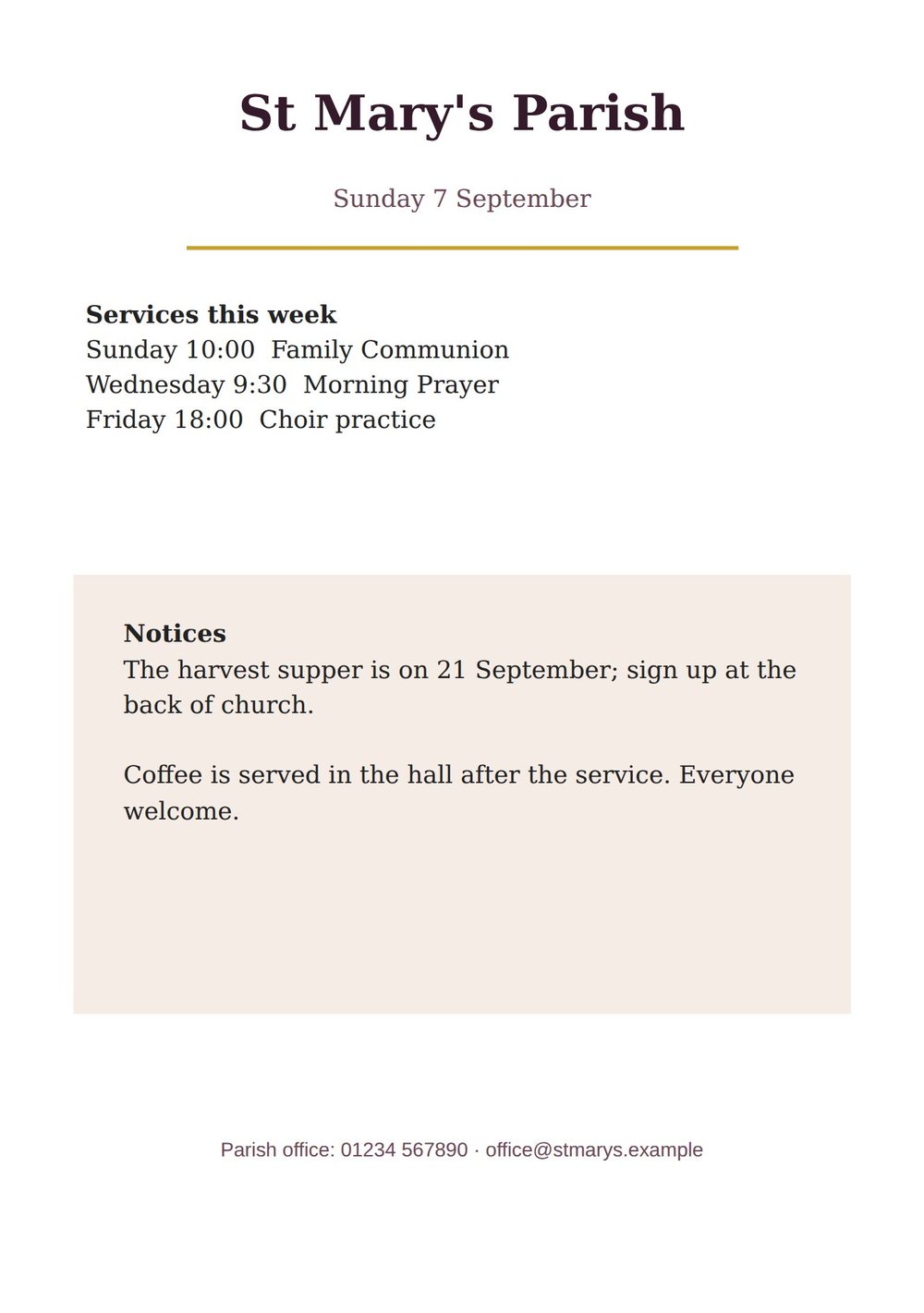
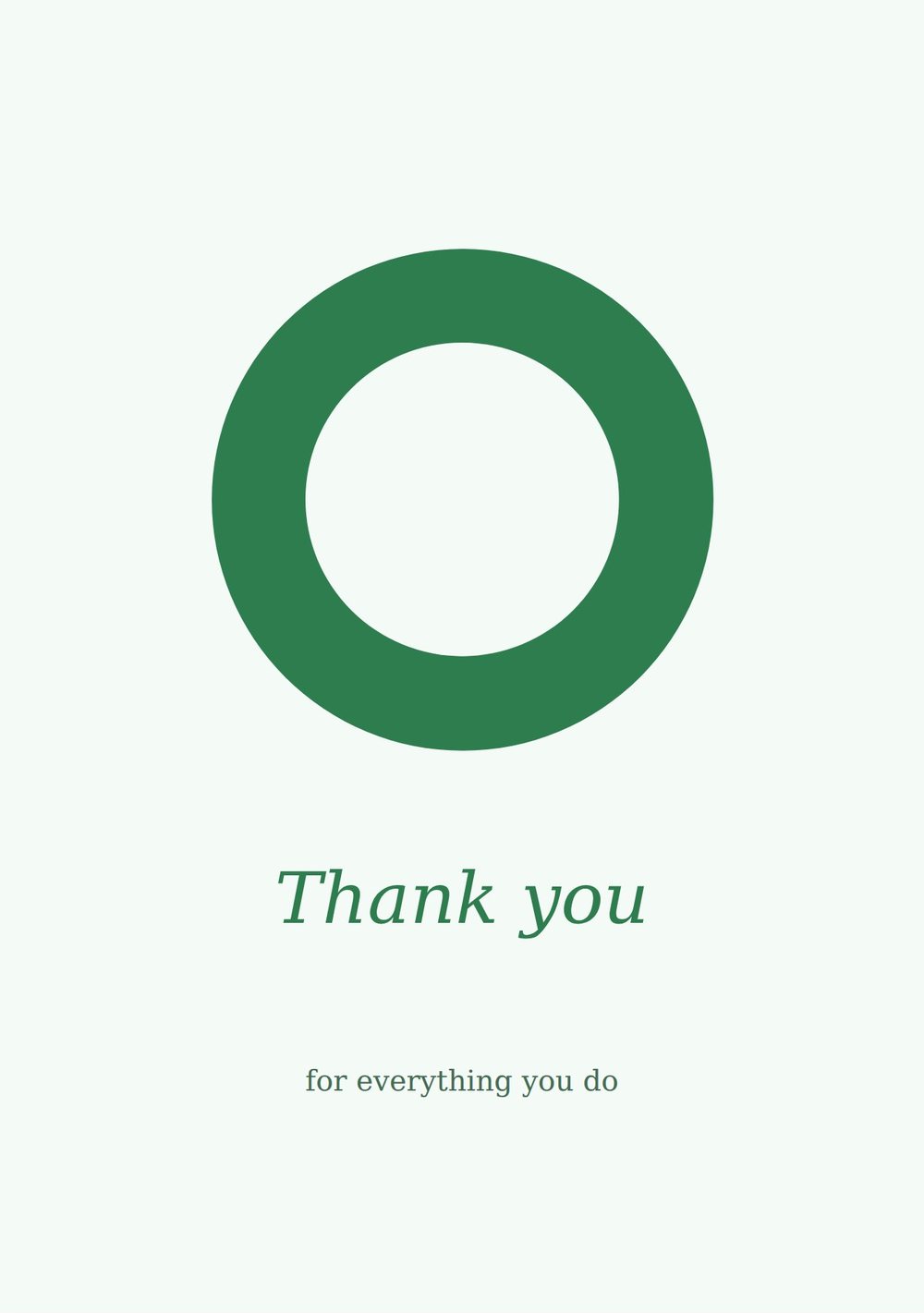
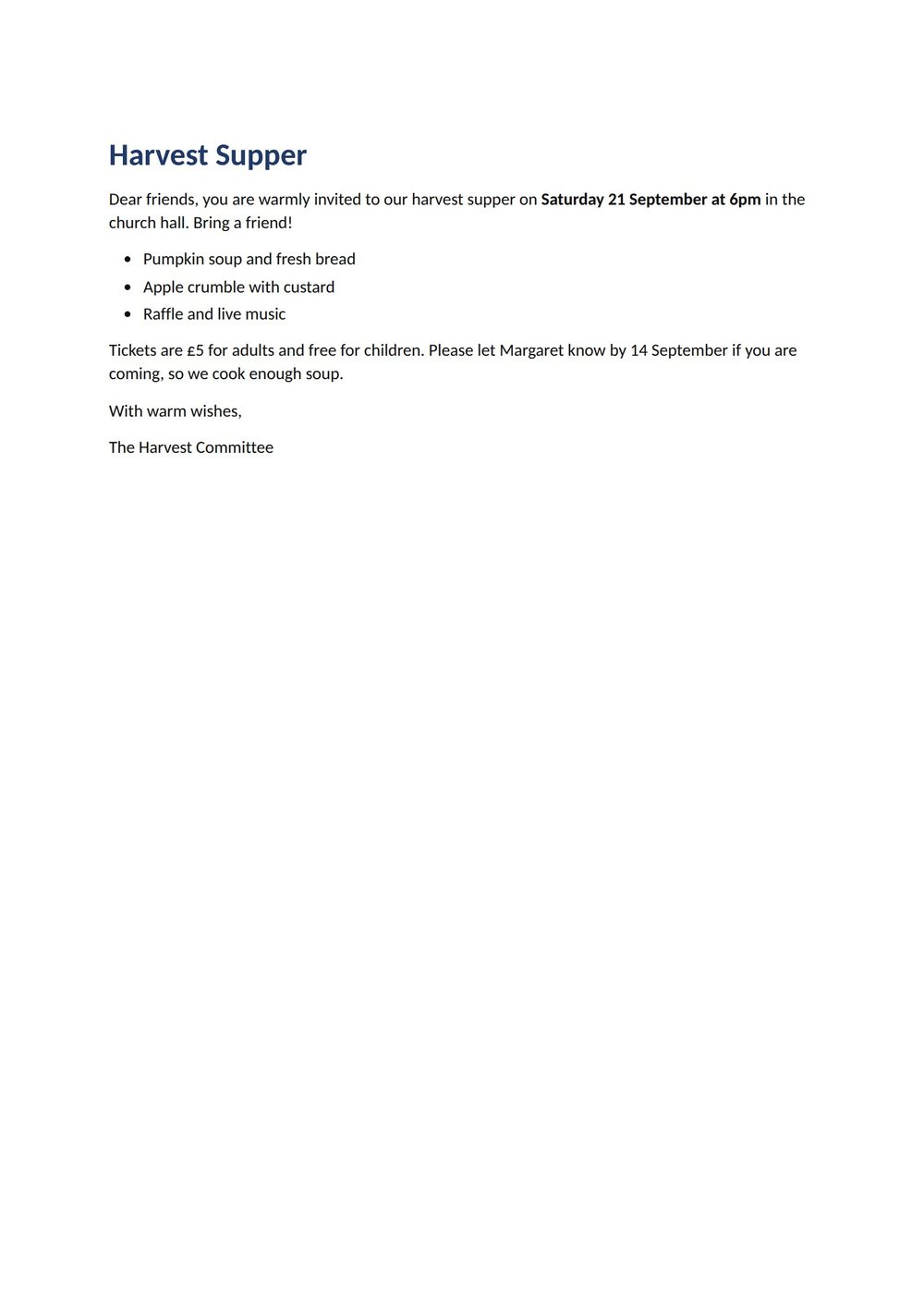
Every page below was made in PubOpener. Pick one, change the words, and print it or save it as a PDF.


Free for Windows, Mac and Linux. Pick your computer.
Found a problem, or missing something? Tell us; we read everything.
Windows 10 and 11
Download for WindowsApple-chip and Intel Macs
Download for MacUbuntu, Debian and most others
Download .deb Or the AppImage for other LinuxSee, print or save any file from Publisher 2000 or later as a PDF.
Click Edit in Layout to change the text and move the pictures.
Flyers, posters and cards. Put anything anywhere on the page.
Letters and reports. Opens and saves Word files too.
Budgets, lists and rotas with formulas like SUM and IF. Opens and saves CSV.
Sketches, diagrams and sticky notes. Save them as a picture.
Print from any tab, or save a PDF to email.
PubOpener keeps a copy as you type, even if the power goes.
We open real .pub files and check every page. Here's what comes through today.
Everything in PubOpener is free. No account, no time limit, no adverts, no paid version.
$0
$0
$0
Yes, all of it. No account, no time limit, no adverts and no paid version.
Yes. Microsoft removed Publisher from Microsoft 365 on 1 October 2026 and ended support on 13 October 2026. Your .pub files still exist, but Microsoft 365 no longer opens them. PubOpener does.
Windows and Mac warn about apps that aren't yet registered with them (“code signing”), which costs money we haven't spent yet. The download section shows the one click it takes to continue. Stuck? Email support@pubopener.com.
Yes. Docs opens .docx files and saves them back. Exact fonts and colours may change a little.
Nothing leaves your computer. PubOpener works offline and never uploads your files. Once a day it sends one anonymous "in use" count, so we know how many people use it; you can turn that off. Privacy notice.